.premium-content-wrapper {
font-family: ‘Pretendard’, ‘Noto Sans KR’, ‘Apple SD Gothic Neo’, sans-serif;
background: linear-gradient(135deg, #1a1a1a 0%, #2c2c2c 100%);
color: #e0e0e0;
line-height: 1.8;
word-break: keep-all;
padding: 40px;
border-radius: 20px;
margin: 20px 0;
box-shadow: 0 20px 60px rgba(0,0,0,0.4);
}
.premium-title {
font-size: 2.5em;
font-weight: 800;
background: linear-gradient(135deg, #4dabf7 0%, #82c9ff 100%);
-webkit-background-clip: text;
-webkit-text-fill-color: transparent;
background-clip: text;
text-align: center;
margin-bottom: 40px;
text-shadow: 0 4px 8px rgba(77, 171, 247, 0.3);
}
.premium-content-wrapper h2 {
font-size: 2.2em;
font-weight: 700;
color: #4dabf7;
text-align: center;
padding: 20px 0;
margin: 40px 0 30px 0;
border-bottom: 3px solid #334a5e;
position: relative;
}
.premium-content-wrapper h2::after {
content: ”;
position: absolute;
bottom: -3px;
left: 50%;
transform: translateX(-50%);
width: 60px;
height: 3px;
background: linear-gradient(90deg, #4dabf7, #82c9ff);
}
.premium-content-wrapper h3 {
font-size: 1.8em;
font-weight: 600;
color: #82c9ff;
margin: 35px 0 20px 0;
padding-left: 15px;
border-left: 4px solid #4dabf7;
}
.premium-content-wrapper p {
font-size: 1.1em;
margin-bottom: 1.5em;
text-align: justify;
}
.premium-content-wrapper strong {
color: #ffc107;
font-weight: 600;
text-shadow: 0 1px 2px rgba(255, 193, 7, 0.3);
}
.premium-content-wrapper u {
text-decoration: none;
background: linear-gradient(to top, rgba(255, 193, 7, 0.4) 50%, transparent 50%);
font-weight: 500;
}
.info-highlight {
background: linear-gradient(135deg, #253444 0%, #1e2a35 100%);
border-left: 5px solid #00aaff;
border-radius: 12px;
padding: 25px;
margin: 30px 0;
box-shadow: 0 8px 25px rgba(0,0,0,0.3);
}
.info-highlight p {
color: #cceeff;
margin: 0;
font-size: 1.05em;
}
.premium-content-wrapper ul, .premium-content-wrapper ol {
padding-left: 30px;
margin: 25px 0;
}
.premium-content-wrapper li {
margin-bottom: 12px;
font-size: 1.1em;
}
.premium-content-wrapper ul li::marker {
color: #4dabf7;
}
.premium-image-wrapper {
margin: 30px 0 !important;
text-align: center !important;
}
.image-container {
position: relative !important;
display: inline-block !important;
box-shadow: 0 10px 30px rgba(0,0,0,0.3) !important;
border-radius: 15px !important;
overflow: hidden !important;
background: linear-gradient(145deg, #2c2c2c, #1a1a1a) !important;
}
.image-container img {
width: 100% !important;
max-width: 700px !important;
height: auto !important;
display: block !important;
border-radius: 15px !important;
}
.ai-disclaimer {
position: absolute !important;
bottom: 8px !important;
right: 12px !important;
background: rgba(0,0,0,0.8) !important;
color: #fff !important;
padding: 4px 8px !important;
border-radius: 12px !important;
font-size: 11px !important;
backdrop-filter: blur(5px) !important;
}
.premium-purchase-section {
text-align: center;
margin: 40px 0;
padding: 30px;
background: linear-gradient(135deg, #ff9a56 0%, #ff6b35 100%);
border-radius: 20px;
box-shadow: 0 15px 35px rgba(255, 107, 53, 0.4);
transition: all 0.3s ease;
}
.premium-purchase-section:hover {
transform: translateY(-2px);
box-shadow: 0 20px 45px rgba(255, 107, 53, 0.5);
}
.purchase-content {
max-width: 600px;
margin: 0 auto;
}
.premium-purchase-section h3 {
color: #fff !important;
font-size: 1.8em !important;
font-weight: 800 !important;
margin-bottom: 15px !important;
text-shadow: 0 2px 4px rgba(0,0,0,0.3) !important;
border: none !important;
padding: 0 !important;
}
.premium-purchase-section h3::after {
display: none !important;
}
.premium-purchase-button {
display: inline-block !important;
padding: 18px 50px !important;
font-size: 1.4em !important;
font-weight: 700 !important;
color: #fff !important;
background: linear-gradient(45deg, #2c3e50 0%, #34495e 100%) !important;
border: none !important;
border-radius: 50px !important;
text-decoration: none !important;
transition: all 0.3s ease !important;
box-shadow: 0 8px 25px rgba(52, 73, 94, 0.4) !important;
transform: translateY(0) !important;
cursor: pointer !important;
}
.premium-purchase-button:hover {
transform: translateY(-3px) scale(1.05) !important;
box-shadow: 0 12px 35px rgba(52, 73, 94, 0.6) !important;
background: linear-gradient(45deg, #34495e 0%, #2c3e50 100%) !important;
color: #fff !important;
text-decoration: none !important;
}
@media (max-width: 768px) {
.premium-content-wrapper {
padding: 20px;
}
.premium-title {
font-size: 2em;
}
.premium-content-wrapper h2 {
font-size: 1.8em;
}
.premium-content-wrapper h3 {
font-size: 1.5em;
}
.premium-content-wrapper p {
font-size: 1em;
}
.premium-purchase-section {
margin: 30px 0 !important;
padding: 20px !important;
}
.premium-purchase-section h3 {
font-size: 1.5em !important;
}
.premium-purchase-button {
padding: 15px 30px !important;
font-size: 1.2em !important;
}
.image-container img {
max-width: 100% !important;
}
}
⚠️ 이 포스팅은 쿠팡 파트너스 활동의 일환으로, 이에 따른 일정액의 수수료를 제공받습니다.
상품 소개
비옵스 노트북 보조 트리플 모니터는 노트북 화면의 한계를 극복하고 싶은 분들에게 최적화된 솔루션입니다. 하나의 노트북으로는 부족했던 작업 환경을 손쉽게 확장할 수 있어, 업무 효율이나 멀티태스킹 능력을 크게 높여줍니다. 특히 이동이 잦거나 다양한 장소에서 작업하는 분들에게 최신 트렌드의 스마트 워크 환경을 제공합니다.
389,000원의 가격으로, 기존의 단일 모니터 환경에서 트리플 스크린의 혁신적인 변화를 경험할 수 있습니다.
주요 기능 및 특징
🎉 지금 바로 확인해보세요!
최고의 상품을 최저가로 만나보실 수 있습니다
🛒 최저가 확인하기
비옵스 노트북 보조 트리플 모니터는 다음과 같은 주요 기능과 특징을 자랑합니다.
- 트리플 디스플레이 지원 – 노트북 본체 화면 외에 양쪽으로 2개의 추가 모니터를 펼쳐, 총 3개의 화면을 동시에 사용할 수 있습니다.
- 간편한 설치와 휴대성 – 복잡한 설치 과정 없이 노트북에 부착만으로 손쉽게 사용할 수 있으며, 가벼운 무게로 휴대성이 뛰어납니다.
- 다양한 업무 활용 – 문서 작성, 영상 편집, 주식 트레이딩 등 다중 작업이 필요한 모든 환경에 적합합니다.
- 호환성 – 대부분의 노트북 모델과 호환되어 범용성이 높습니다.
사용자 경험 및 후기
아직 실제 사용자 리뷰 정보가 등록되어 있지 않지만, 비슷한 제품군의 사용자들은 트리플 모니터 환경이 생산성에 큰 도움을 준다고 평가하는 경우가 많습니다. 특히, 여러 프로그램을 동시에 띄워놓고 작업해야 하는 직장인이나 대학생, 크리에이터, 트레이더 등 다양한 분야에서 멀티태스킹의 효율성을 실감할 수 있습니다.
노트북 화면이 좁아서 불편했던 경험이 있다면, 이 제품을 통해 쾌적하고 넓은 작업 공간을 누릴 수 있습니다. 앞으로 구매자들의 생생한 후기가 추가된다면 더욱 신뢰할 수 있는 정보가 될 것입니다.
구매 가이드
비옵스 노트북 보조 트리플 모니터는 노트북 화면 확장에 관심이 있는 분이라면 적극 추천할 만한 제품입니다. 구매 전에는 자신의 노트북과의 호환성(포트 및 크기 등)을 반드시 확인하는 것이 좋습니다.
가격 대비 높은 활용도를 기대할 수 있으며, 효율적인 업무 환경을 원하는 분이나, 자주 이동하며 다양한 장소에서 작업해야 하는 분들에게 특히 적합합니다. 보다 자세한 정보와 구매를 원하신다면 판매 링크를 참고해 보시기 바랍니다.
🎉 지금 바로 확인해보세요!
최고의 상품을 최저가로 만나보실 수 있습니다
🛒 최저가 확인하기
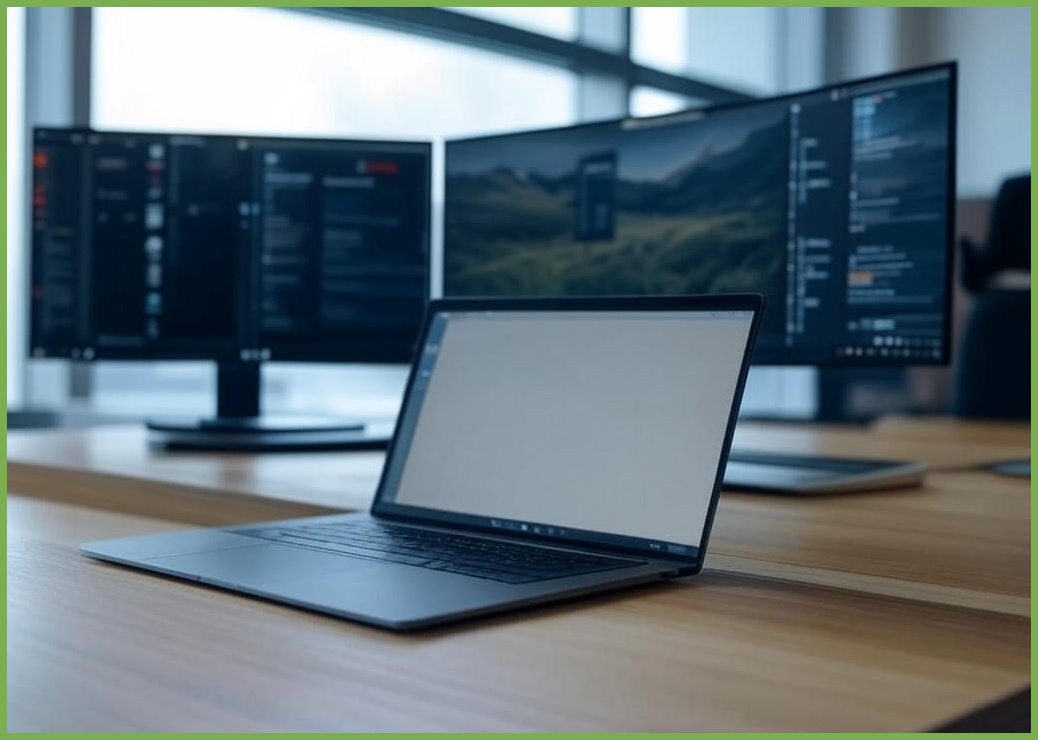
AI 생성 참고 이미지 (상품과 다르게 생성되었을 수 있습니다.)